Editing Final Images
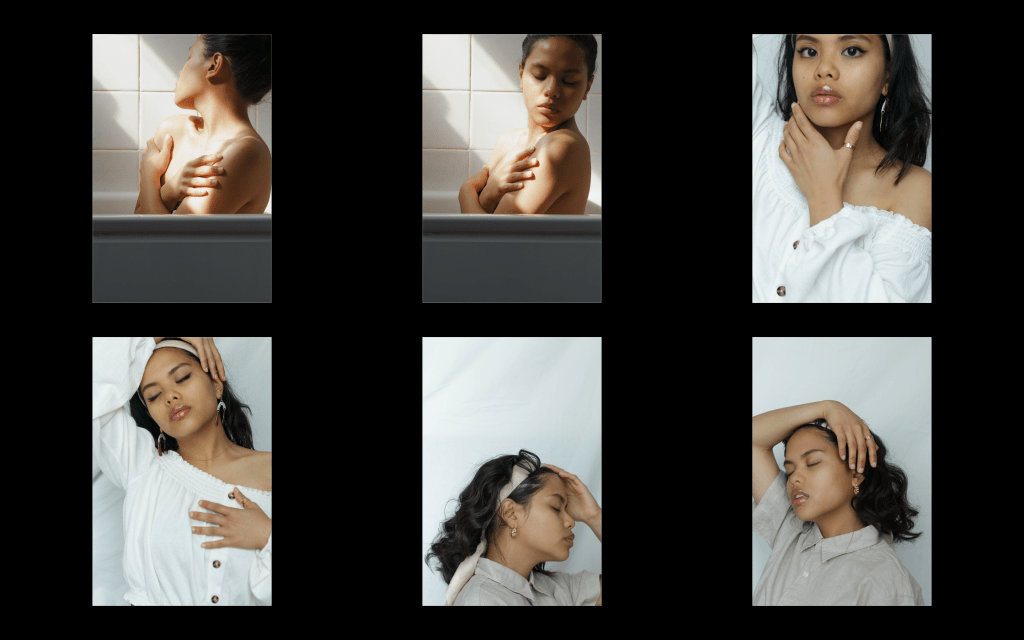
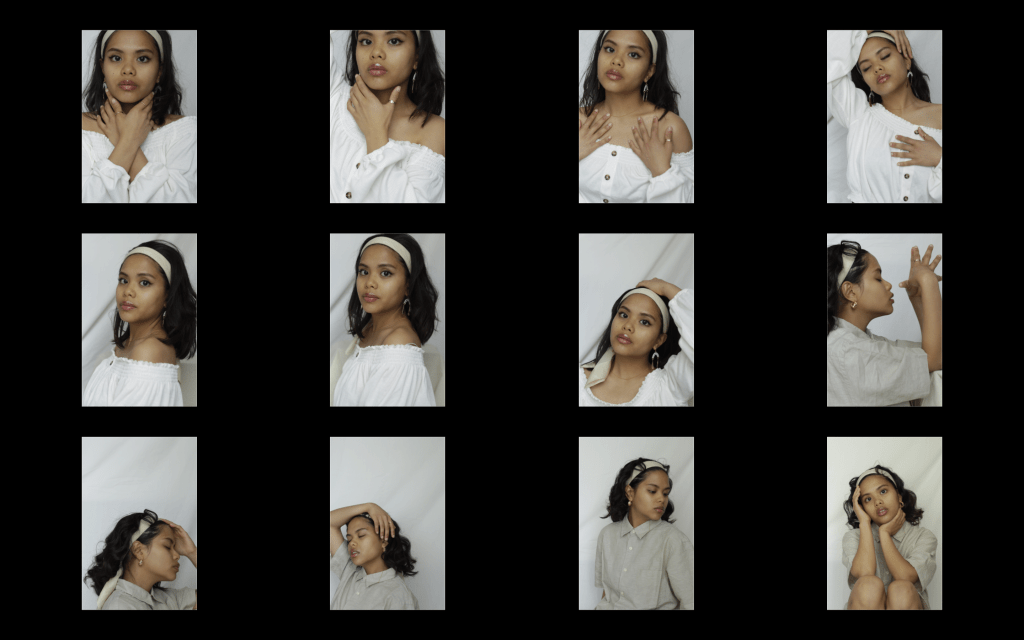
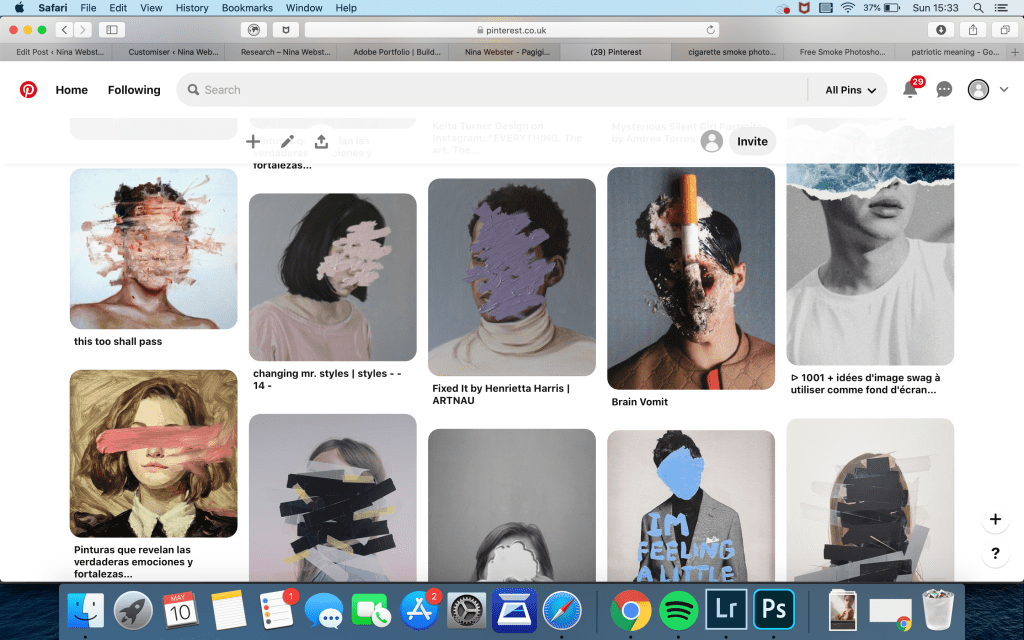
As mentioned these are my final images and I decided to experiment by adding textures of paint on top of the images.
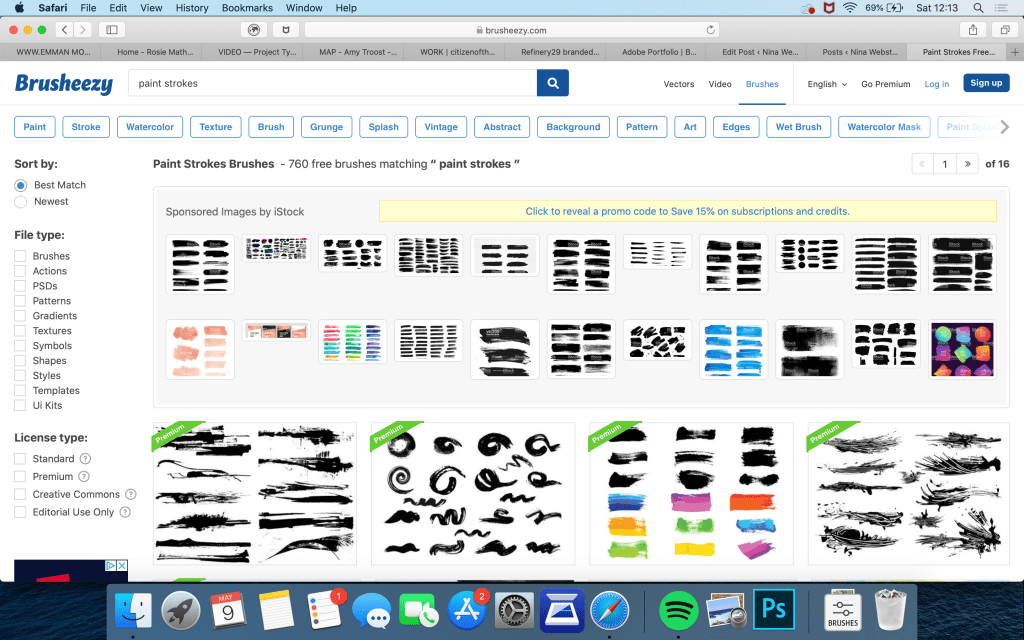
Firstly I looked for paint brushes for photoshop online for my brush effect on top of the images. Then I added all the photos into lightroom so I can crop the images, fix the white balance, etc.
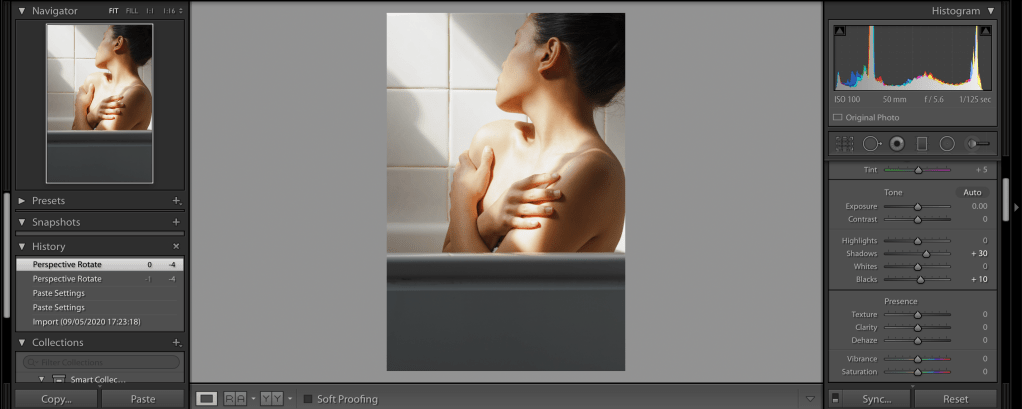
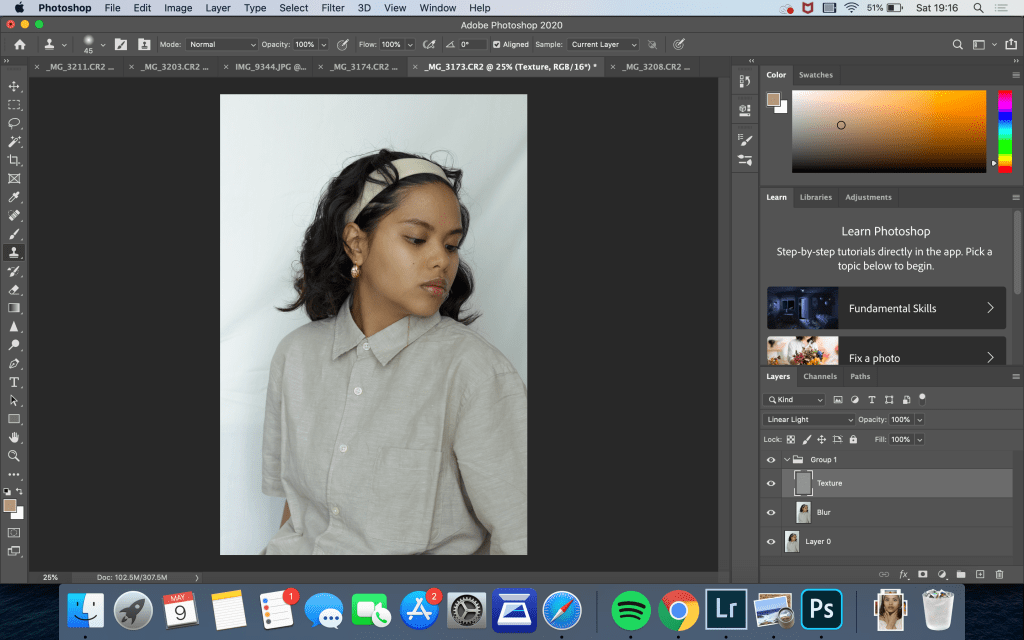
Afterwards, I transferred edited the images on photoshop using the frequency separation method and played around with adding scratches ,brush strokes, and grin as wells as changing the saturation to see what the effect would be.
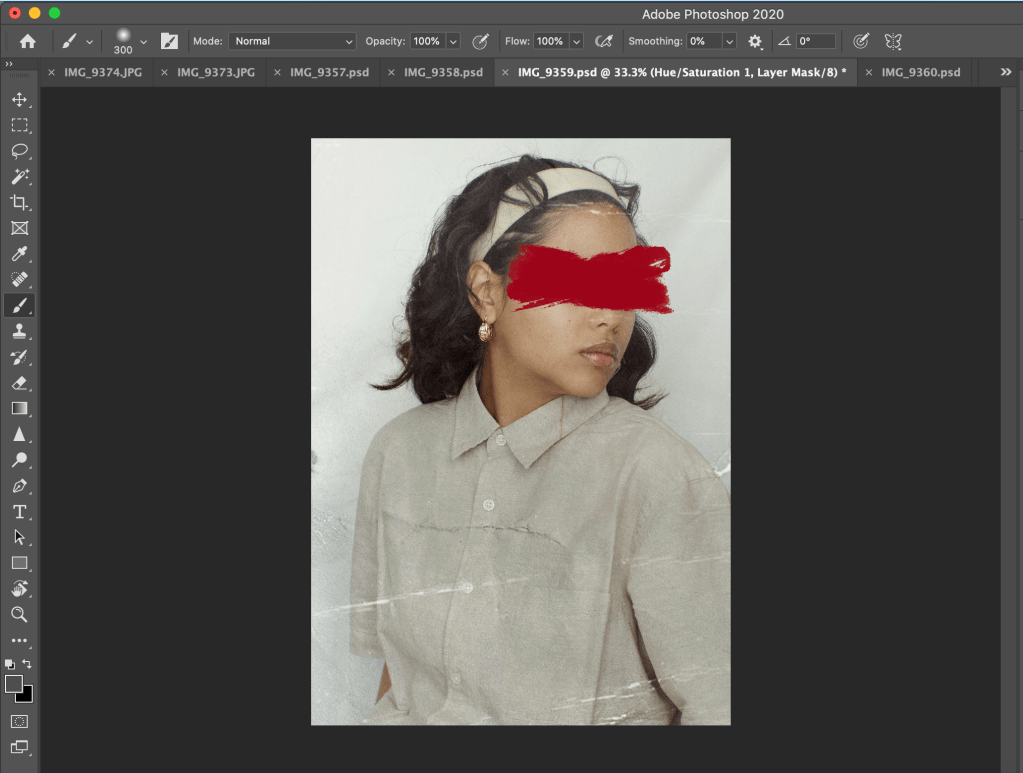
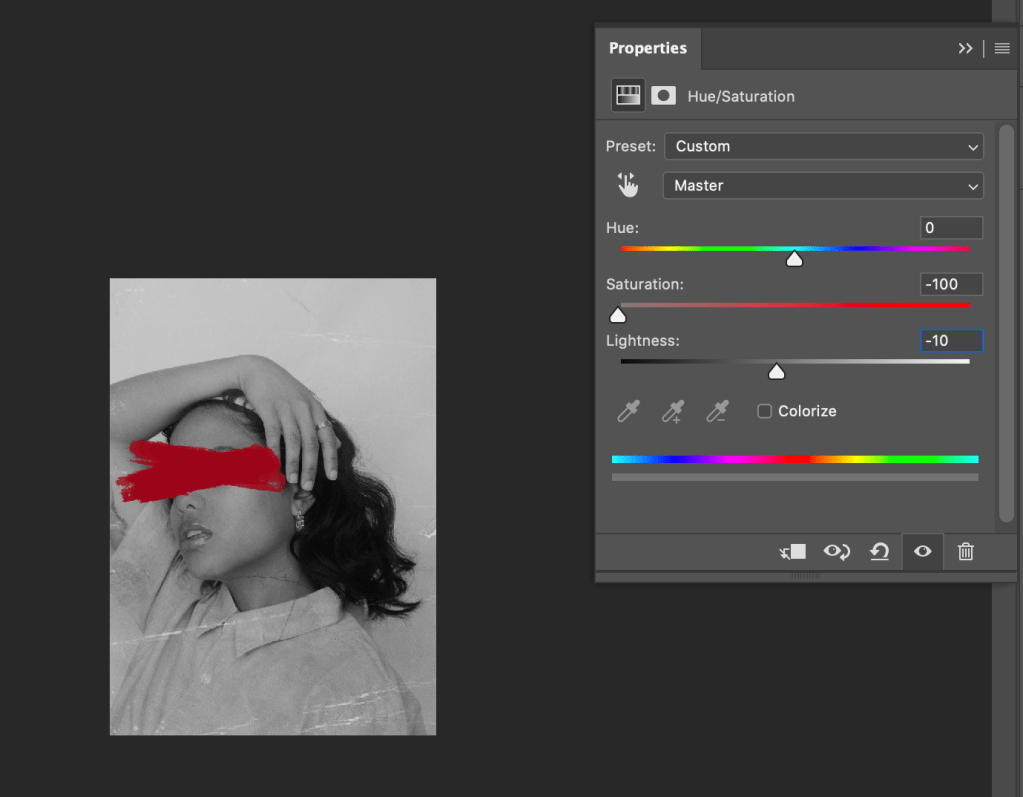
I then thought of changing the image to B&W and experimenting with only adding colour to my face while keeping the brush stroke to focus the attention on this area.
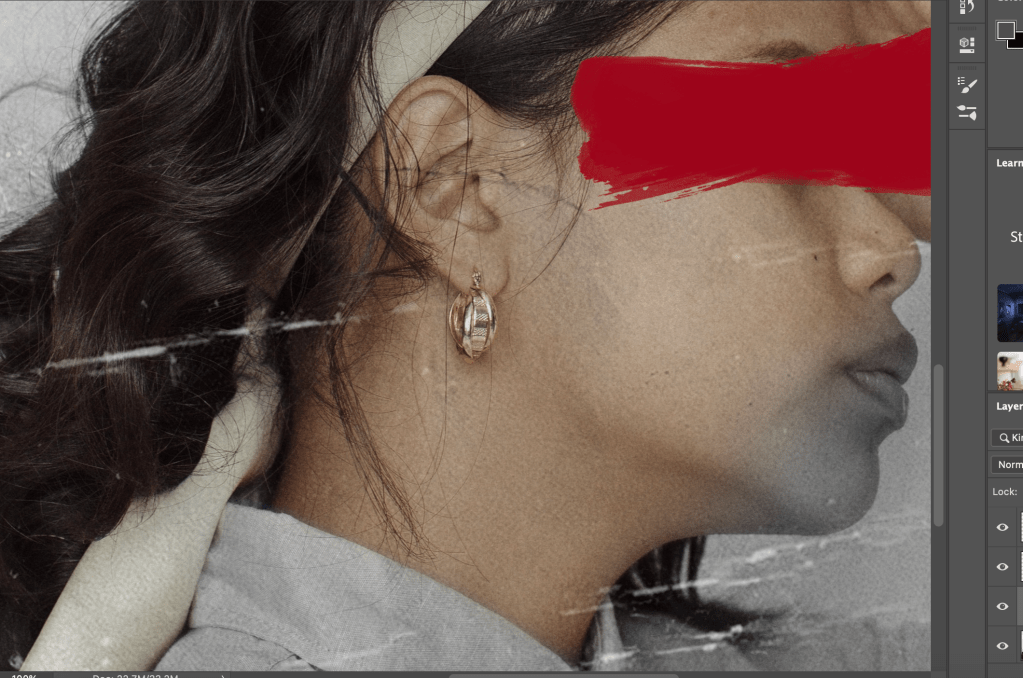
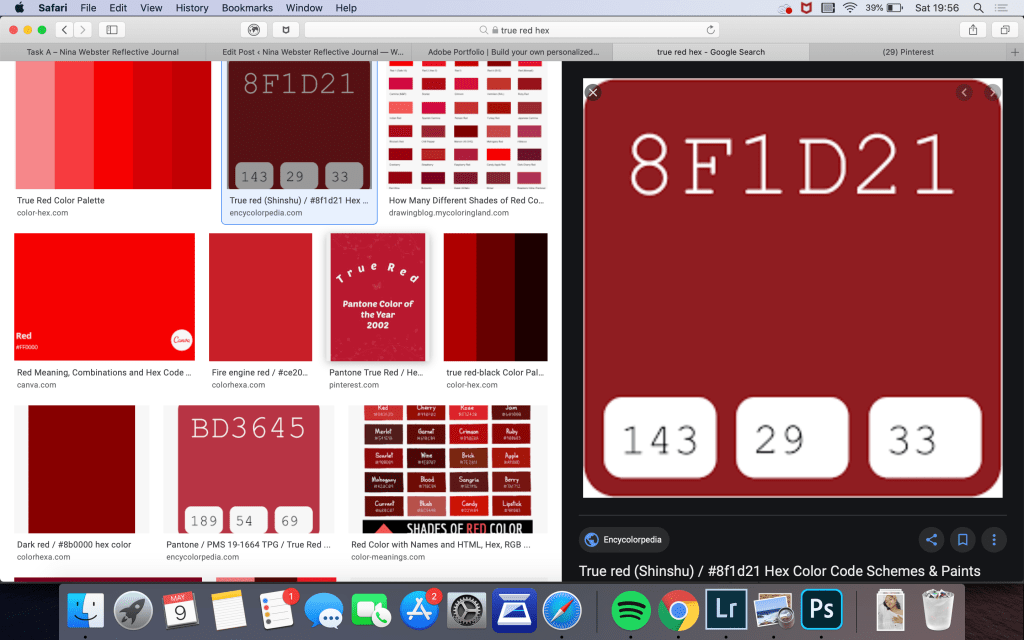
I ended up doing this for all the images. Also I made sure to research the right tone of red for the brush stroke and I chose red since it is a very emotionally intense colour, suiting my self-reflection theme.
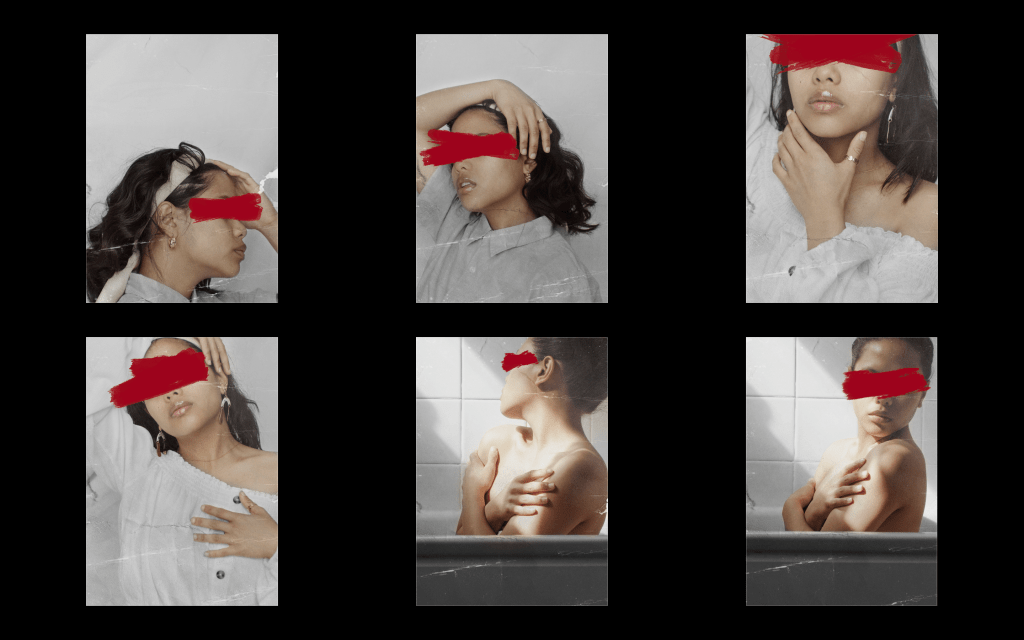
After editing I asked my family whether they like the red brush across my face, however, majority of the votes preferred the ones without the brush stroke so I removed it and actually decided to increase the saturation on the areas that are coloured to enhance my skin tone.
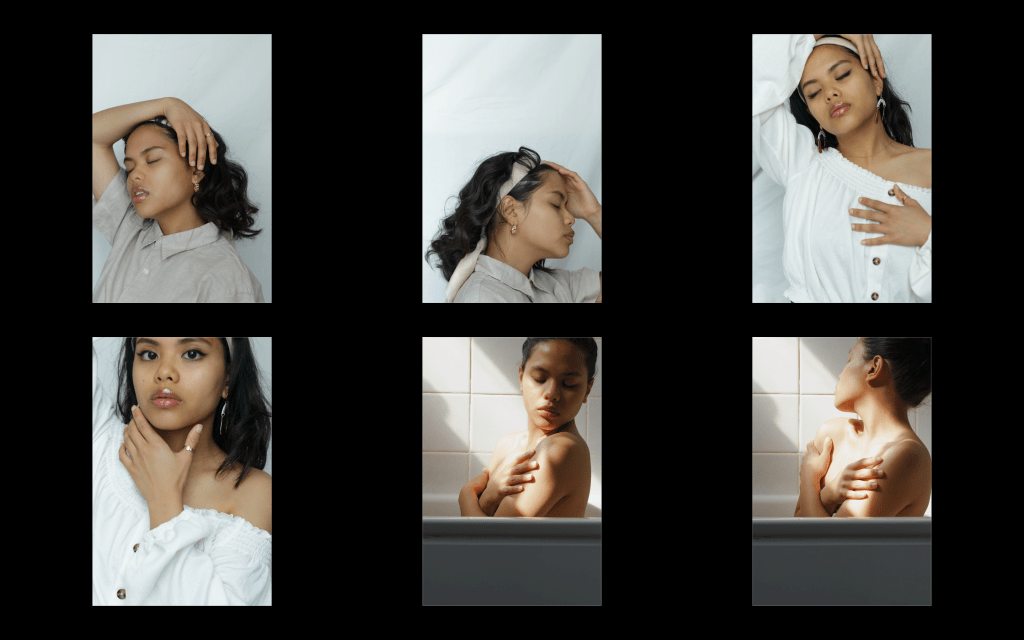
Below are the finished images.
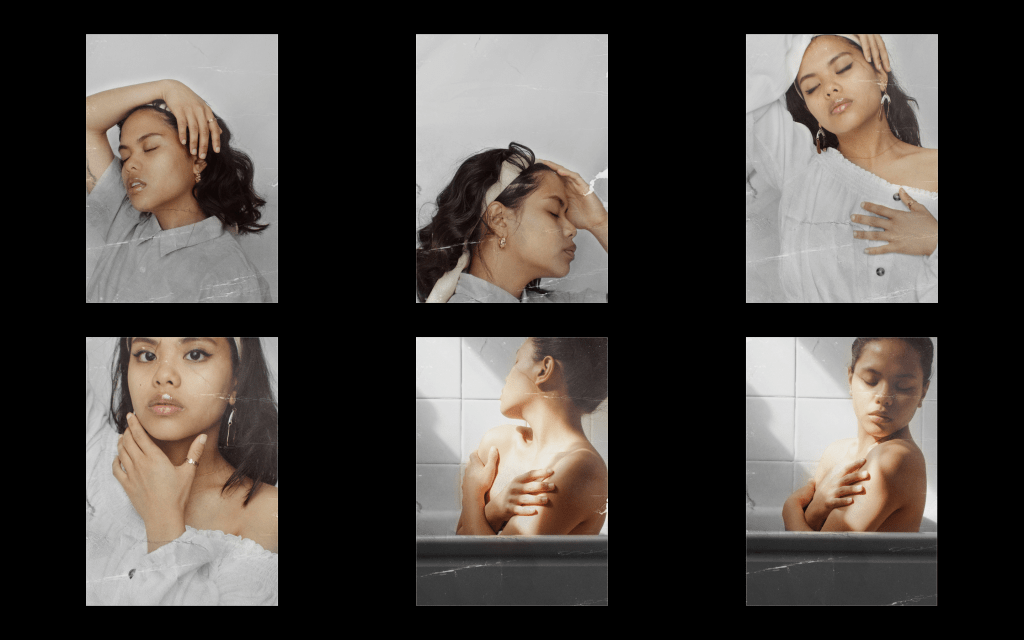
Overall I am satisfied with the finished results and would like to continue and improve this series by taking more self-portraits and be more comfortable in front of the camera.
 Nina Webster Reflective Journal